
.svg)
Introduction
Repeating the same text multiple times may sound like a simple task, but it becomes surprisingly time-consuming when done manually. Writers, developers, designers, testers, and social media creators often need duplicated text for testing layouts, creating placeholders, formatting posts, or generating repeated patterns. Copy-pasting text again and again increases the chance of errors and wastes valuable time.
This is where a text repeater tool becomes useful. A text repeater allows you to duplicate any word, phrase, or sentence instantly—without manual repetition. In this guide, you’ll learn what a text repeater is, how it works, when it’s useful, and how writers and professionals use it efficiently.
What Is a Text Repeater?
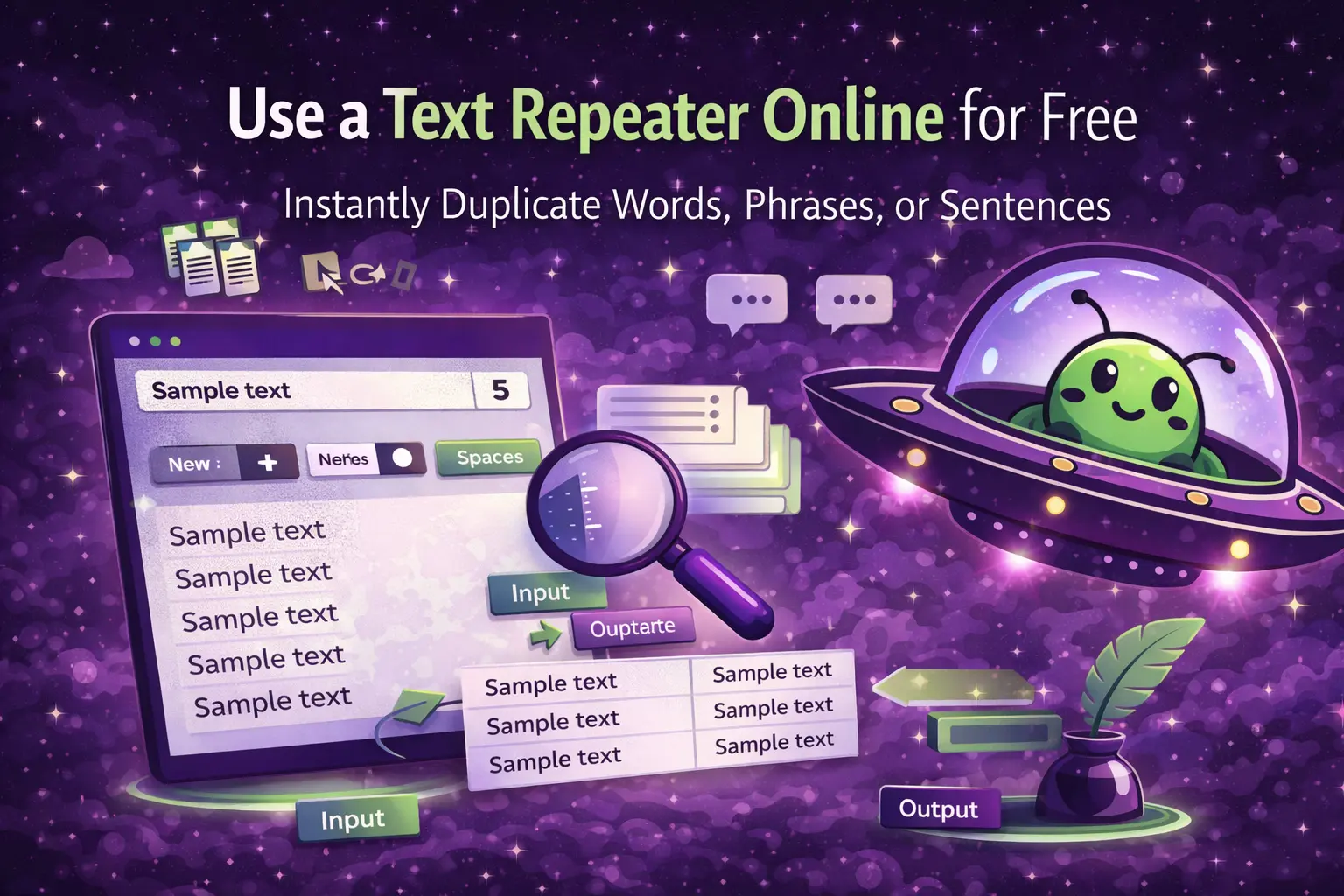
A text repeater is an online tool that automatically duplicates a piece of text a specified number of times. Instead of copying and pasting manually, users enter text once, choose how many times it should repeat, and generate the output instantly.
Most text repeaters also offer options such as:
-
Repeating text on new lines
-
Repeating text with spaces or separators
-
Preserving original formatting
Because text repeaters are browser-based, they work on any device and require no installation or login.
How Does a Text Repeater Work?
Text repeaters function by taking a single input string and duplicating it based on user-defined rules. Each repetition is generated consistently, eliminating the risk of missing or extra copies.
For example:
-
Input:
Sample Text -
Repeat count: 5
Output:
The process is instant, even for large repetition counts.
Common Use Cases for Text Repeater Tools
Testing Layouts and Design
Designers and developers often use repeated text to test:
-
Page layouts
-
Line spacing
-
Font rendering
-
Content overflow
Repeated text helps simulate real content without waiting for finalized copy.
Social Media Formatting
Some social media platforms allow repeated words or symbols for stylistic effects. Creators use text repeaters to:
-
Create patterned captions
-
Repeat emojis or symbols
-
Format comments consistently
This saves time and ensures uniform formatting.
Placeholder and Sample Content
Writers and editors often need placeholder text for:
-
Draft layouts
-
Mockups
-
Templates
Repeating a sample phrase makes it easier to visualize content structure.
Data Entry and Testing
Text repetition is also useful in:
-
Form testing
-
Input validation
-
Stress testing text fields
Repeating text helps identify character limits or formatting issues.
If you want to verify length while repeating content, pairing a text repeater with a
Word Counter
ensures accuracy.
How to Use a Text Repeater Online
Using a text repeater is simple and requires no technical background.
Step-by-Step Guide
-
Enter the text you want to repeat
-
Specify how many times it should repeat
-
Choose formatting options (line breaks or spacing)
-
Generate and copy the output
The entire process takes only a few seconds.
Text Repeater vs Manual Copy-Paste
Manually copying and pasting text may work for a few repetitions, but it quickly becomes inefficient.
Problems with Manual Repetition
-
Inconsistent spacing
-
Missing or extra copies
-
Formatting errors
-
Time wasted
Text repeaters automate the process and guarantee consistency.
When Writers Should Use Text Repeaters
Writers don’t use text repeaters during creative drafting—but they are extremely useful during formatting and preparation stages.
Editing and Formatting
Repeating section labels, tags, or test phrases helps structure content efficiently.
Template Creation
When building reusable templates, repeated text ensures uniform placeholders.
Pre-Publishing Checks
Repeating text can help test how content appears across devices or layouts.
Avoiding Common Mistakes When Repeating Text
Although text repeaters are simple, misuse can create clutter or confusion.
Avoid:
-
Repeating long paragraphs unnecessarily
-
Forgetting to add line breaks
-
Ignoring readability
Text repeaters should support structure—not overwhelm it.
Combining Text Repeaters with Other Text Tools
Text repeaters are most effective when used alongside other utilities.
For example:
-
Text repeater + word counter → control length of repeated text
-
Text repeater + character counter → test character limits
-
Text repeater + case converter → repeat formatted text consistently
Using tools together creates a more efficient workflow.
Why Free Online Text Repeaters Are Preferred
Free online tools are popular because they:
-
Require no installation
-
Work instantly
-
Are accessible on any device
-
Focus on one specific task
For writers and professionals who need quick results, this simplicity is ideal.
Practical Examples of Text Repetition
Example 1: Testing a Blog Layout
Repeating a short sentence helps visualize paragraph spacing and scrolling behavior.
Example 2: Social Media Drafting
Repeating a symbol or phrase helps design creative caption patterns.
Example 3: Form Validation
Repeating text reveals how platforms handle long inputs or repeated characters.
When Not to Use a Text Repeater
Text repeaters are not suitable for:
-
Final content meant for readers
-
Academic submissions
-
SEO articles
They are support tools—not content generators.
Final Thoughts
Text repeaters are simple but powerful tools for duplicating text quickly and accurately. Whether you’re testing layouts, formatting social media content, or creating placeholders, a text repeater saves time and reduces manual errors.
To explore more tools that help with text formatting and organization, read our guide on
How to Sort Text Alphabetically Online.